Redesign your homein ~30 seconds
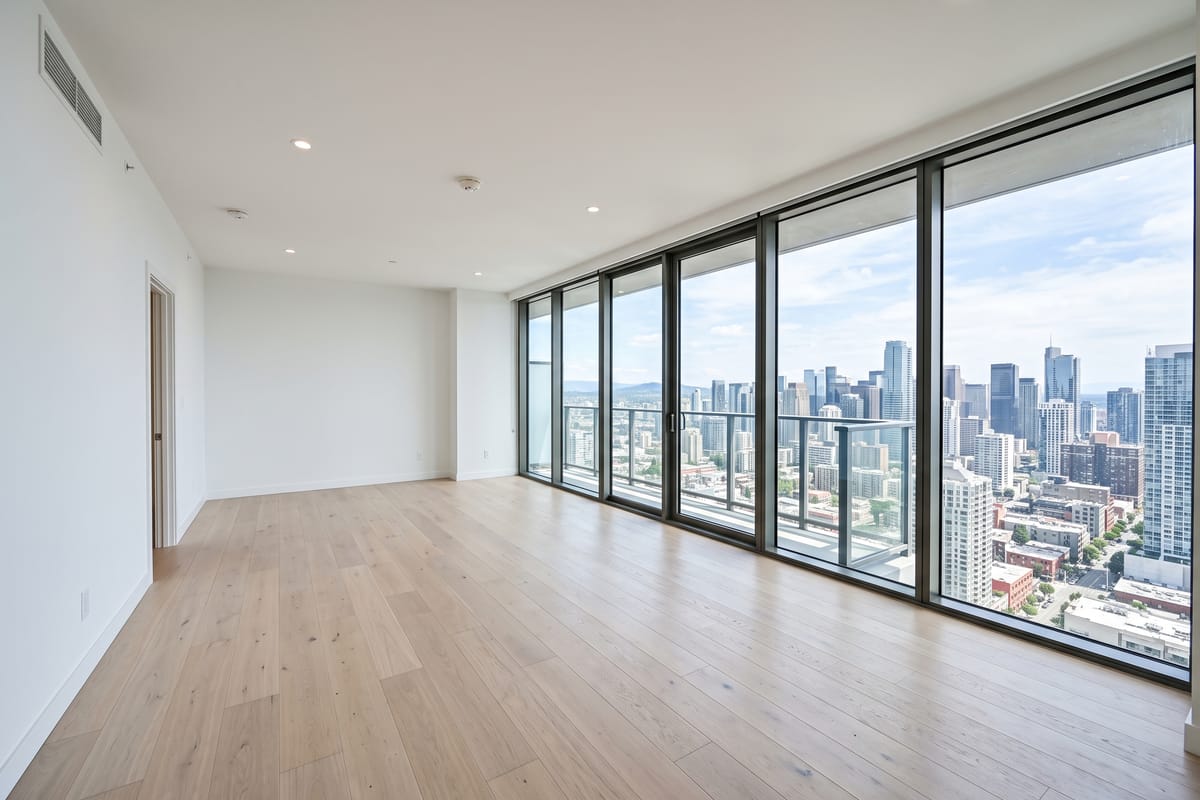
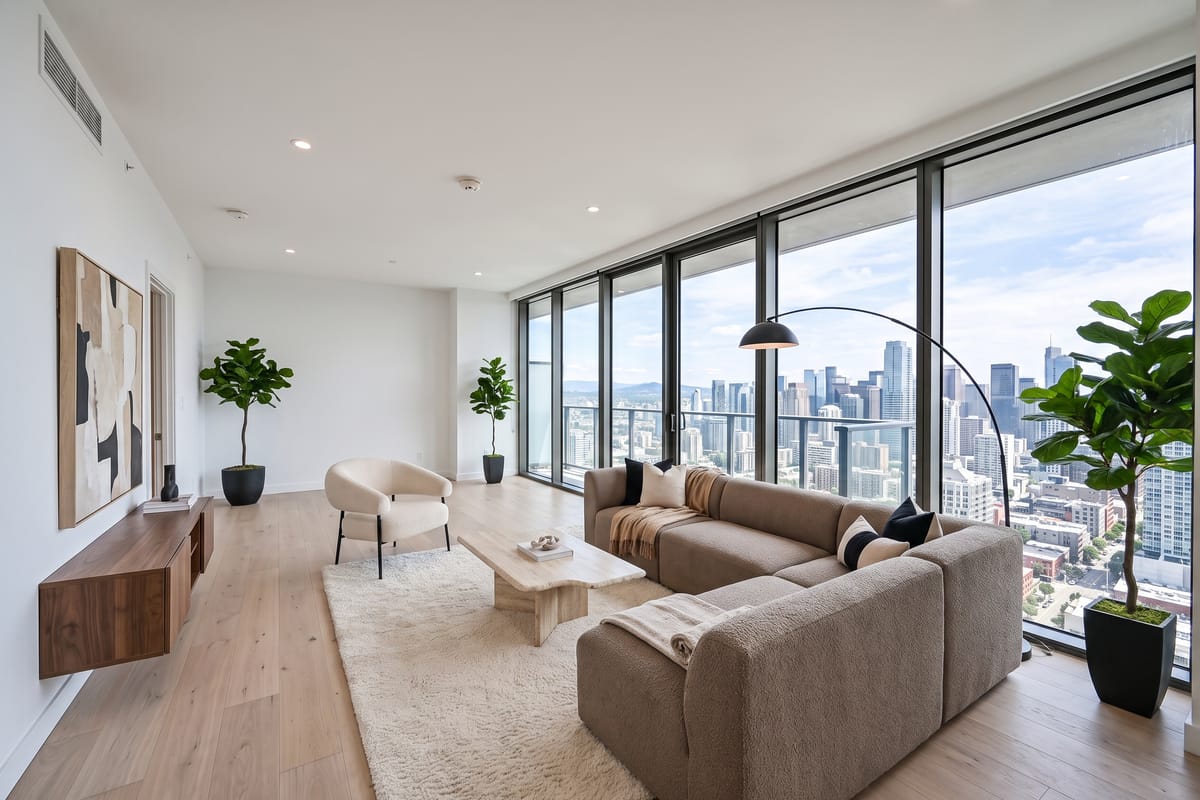
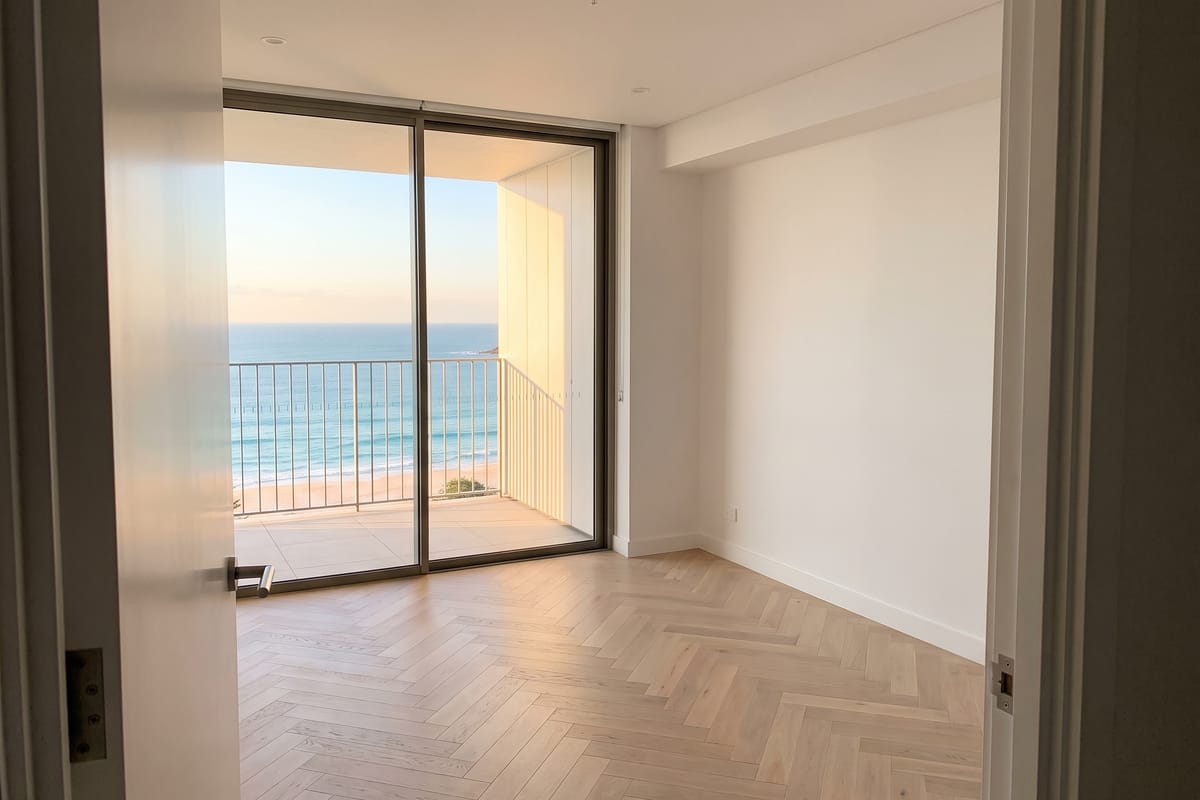
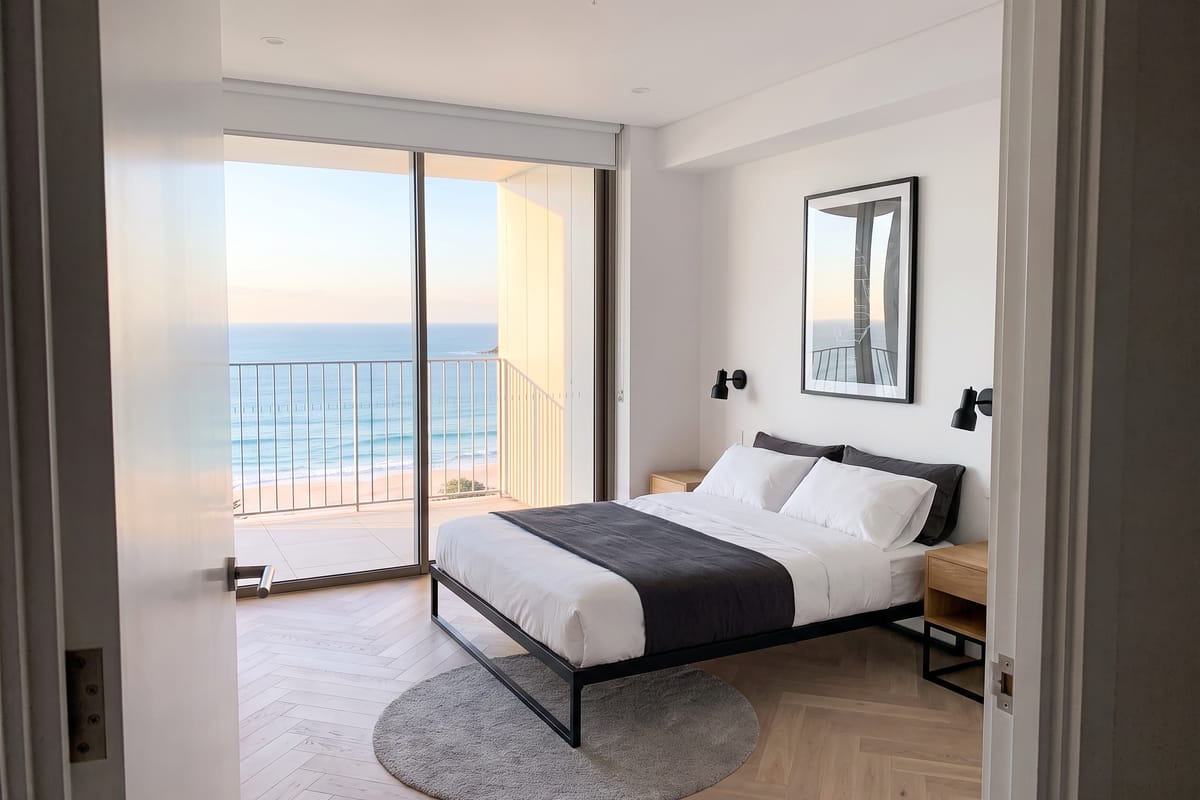
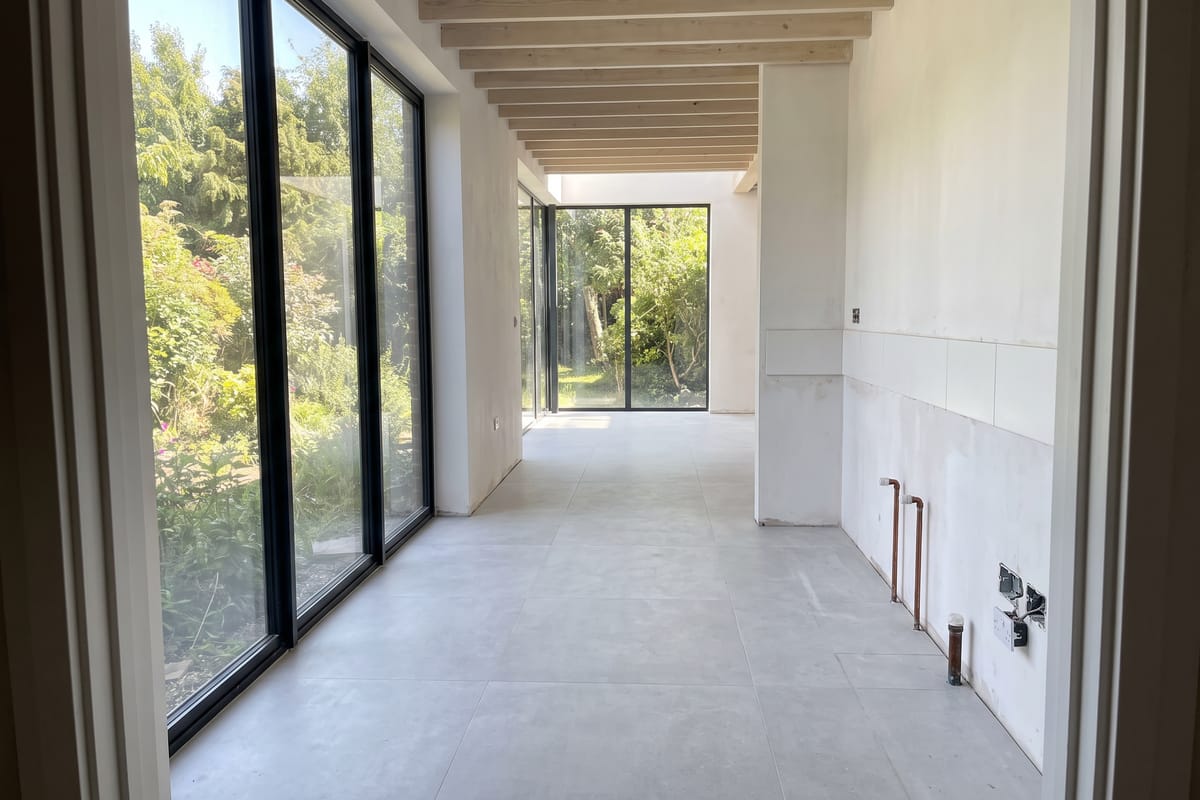
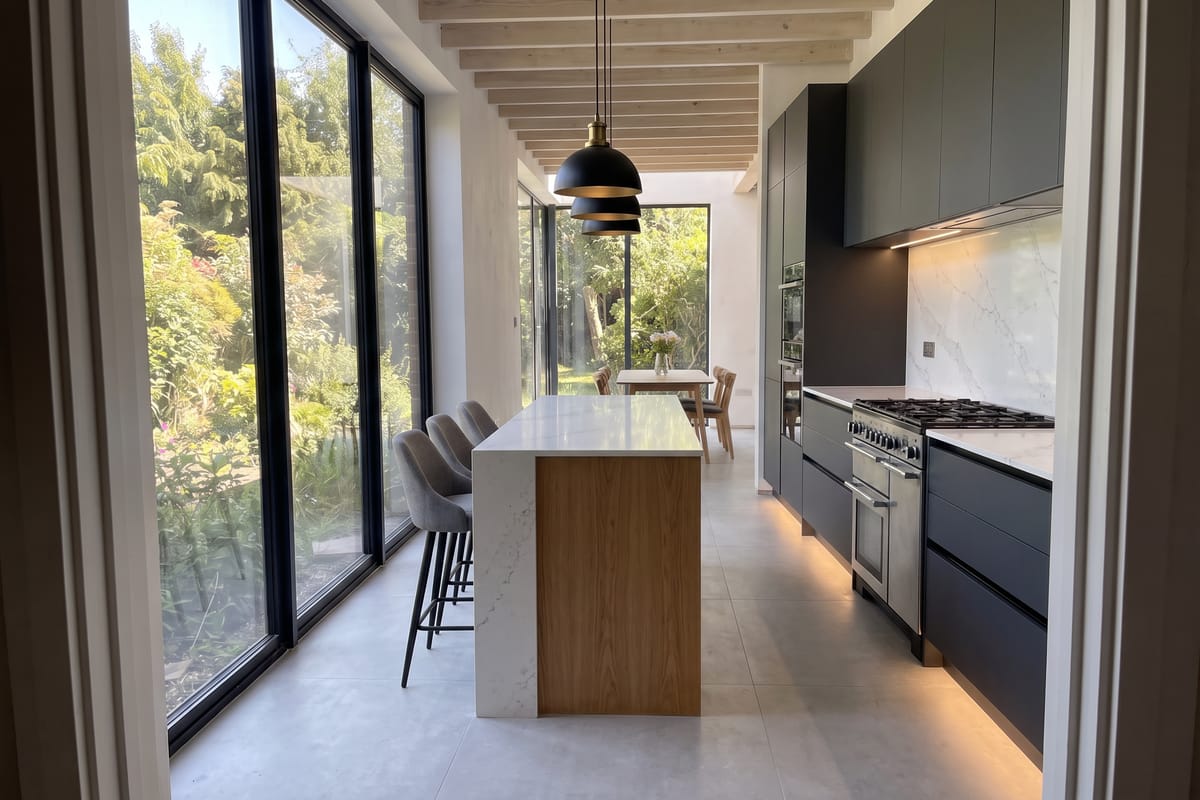
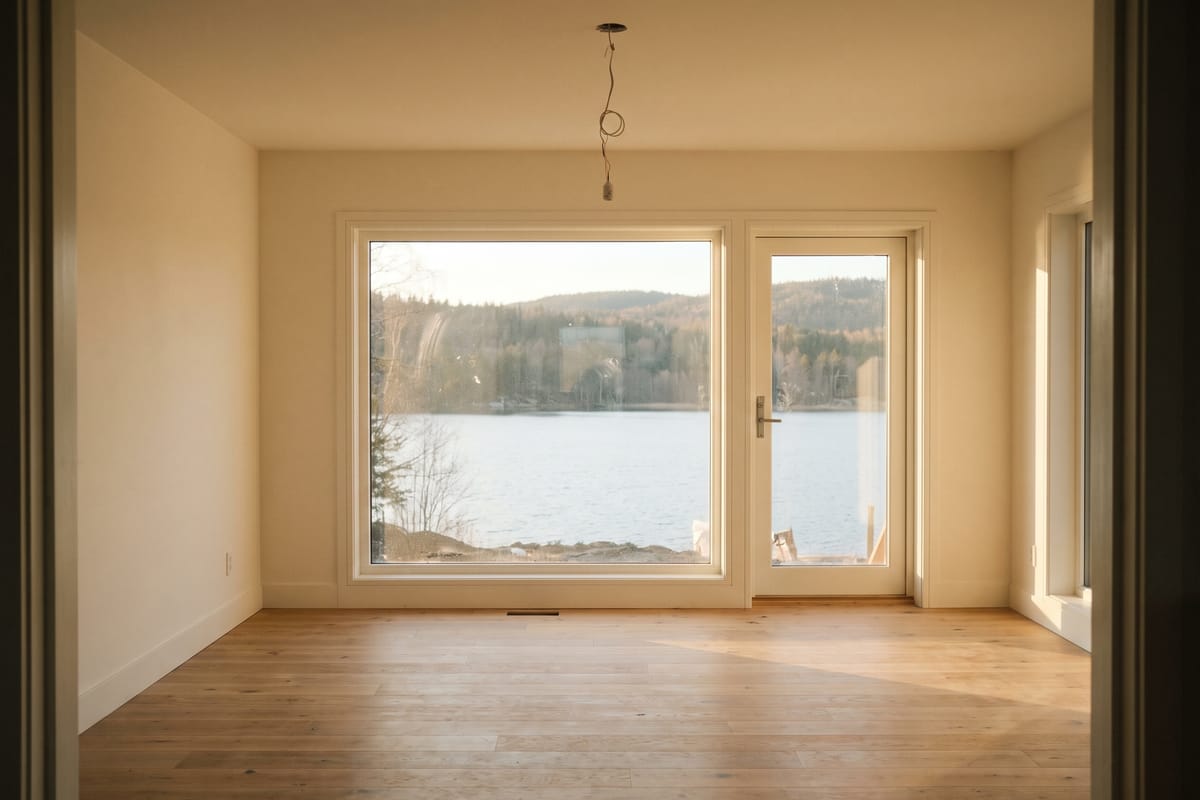
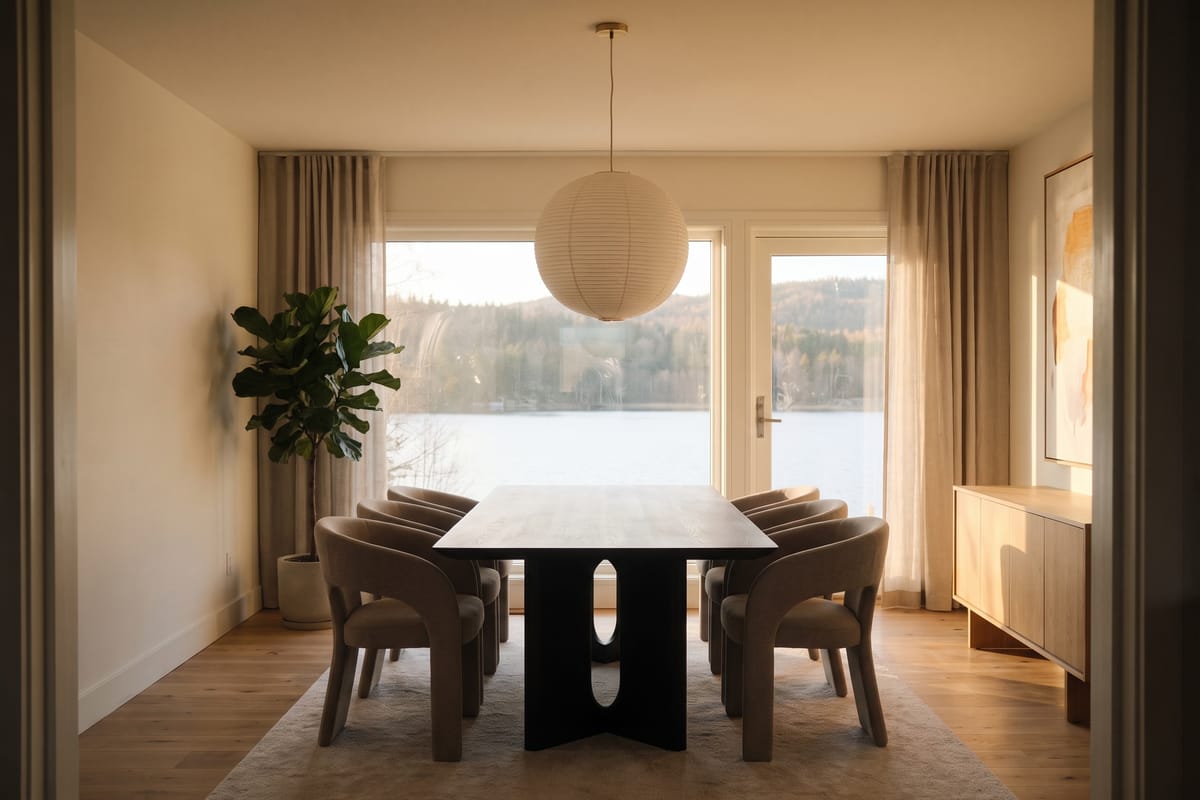
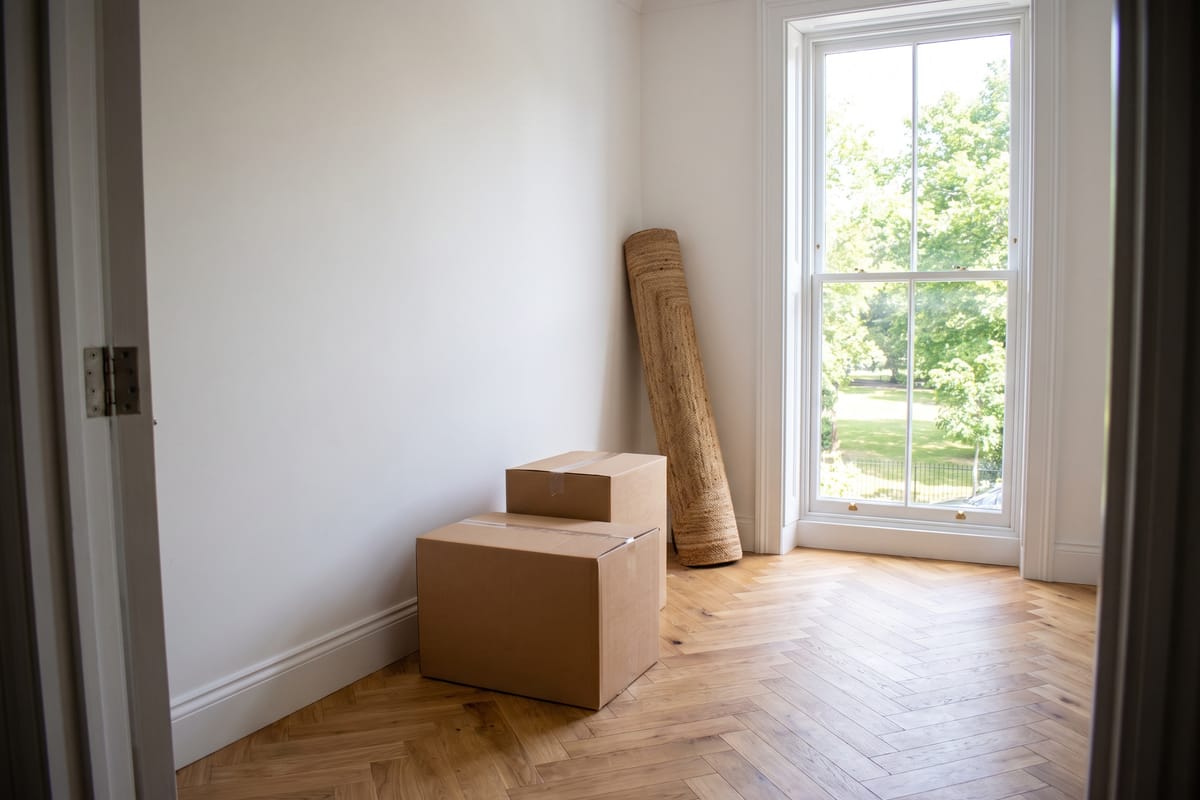
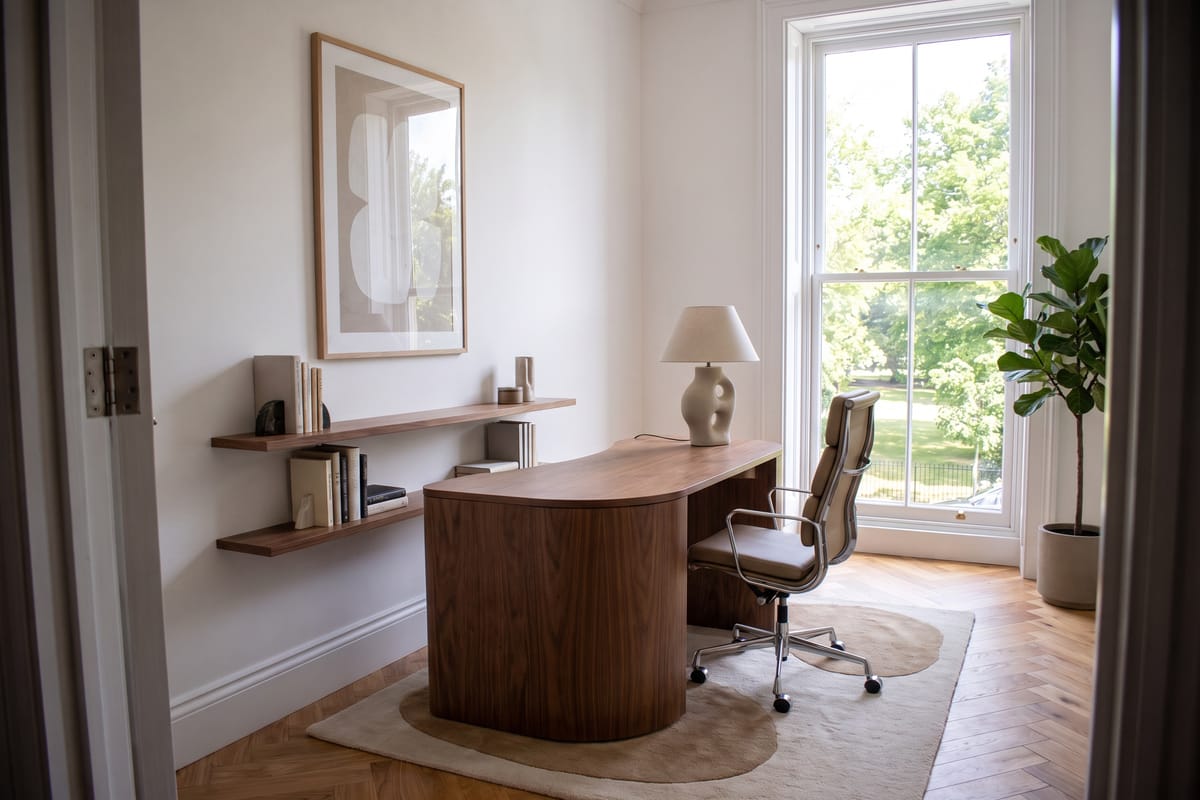
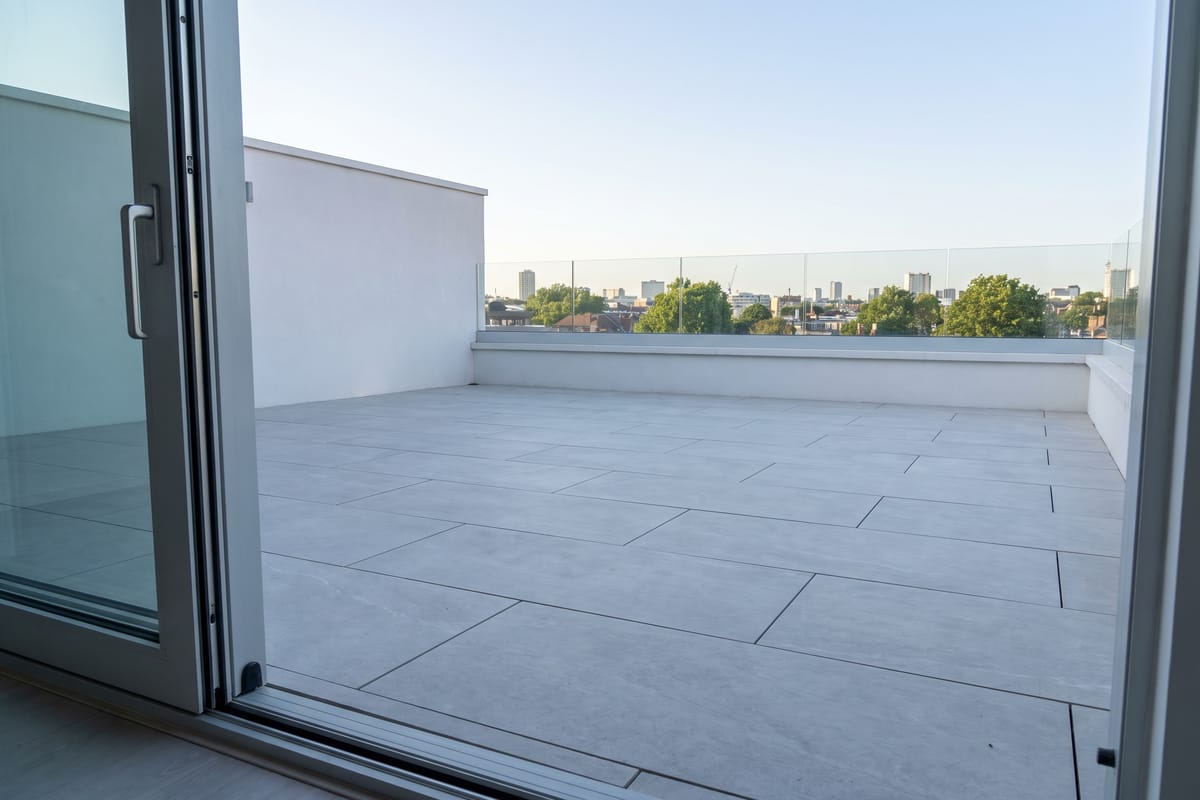
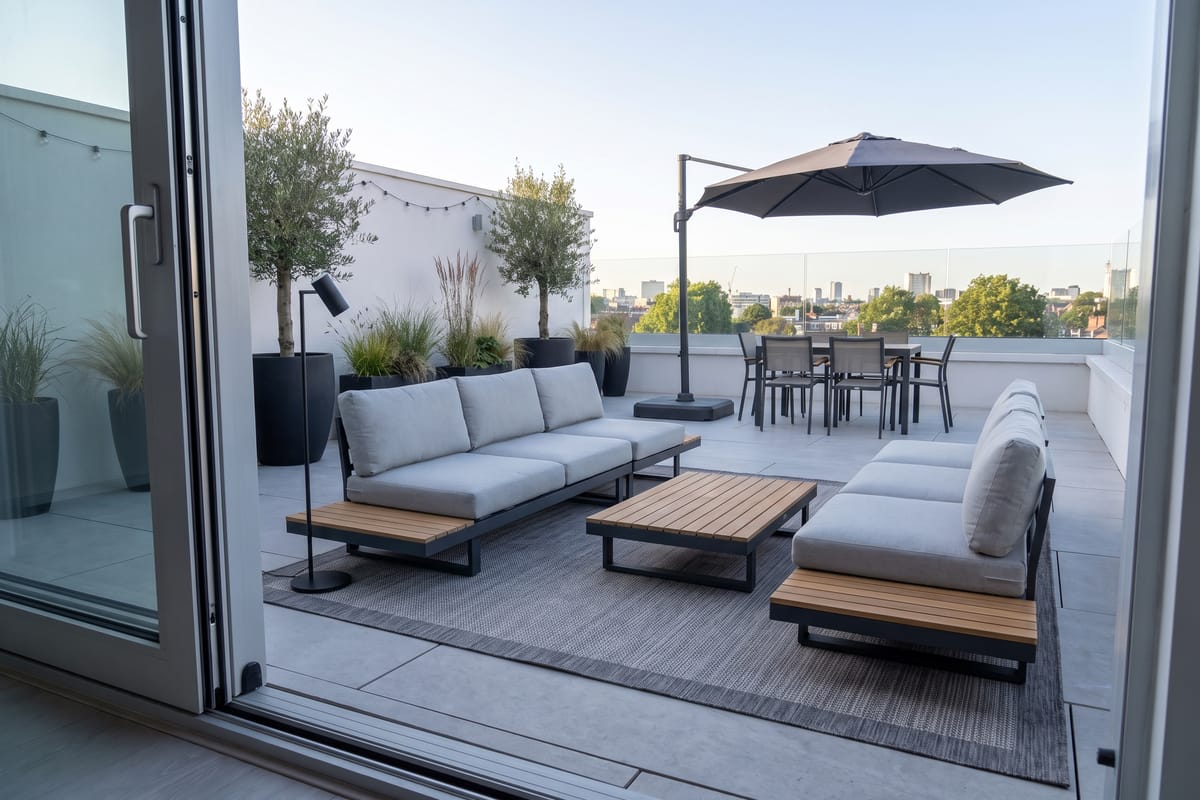
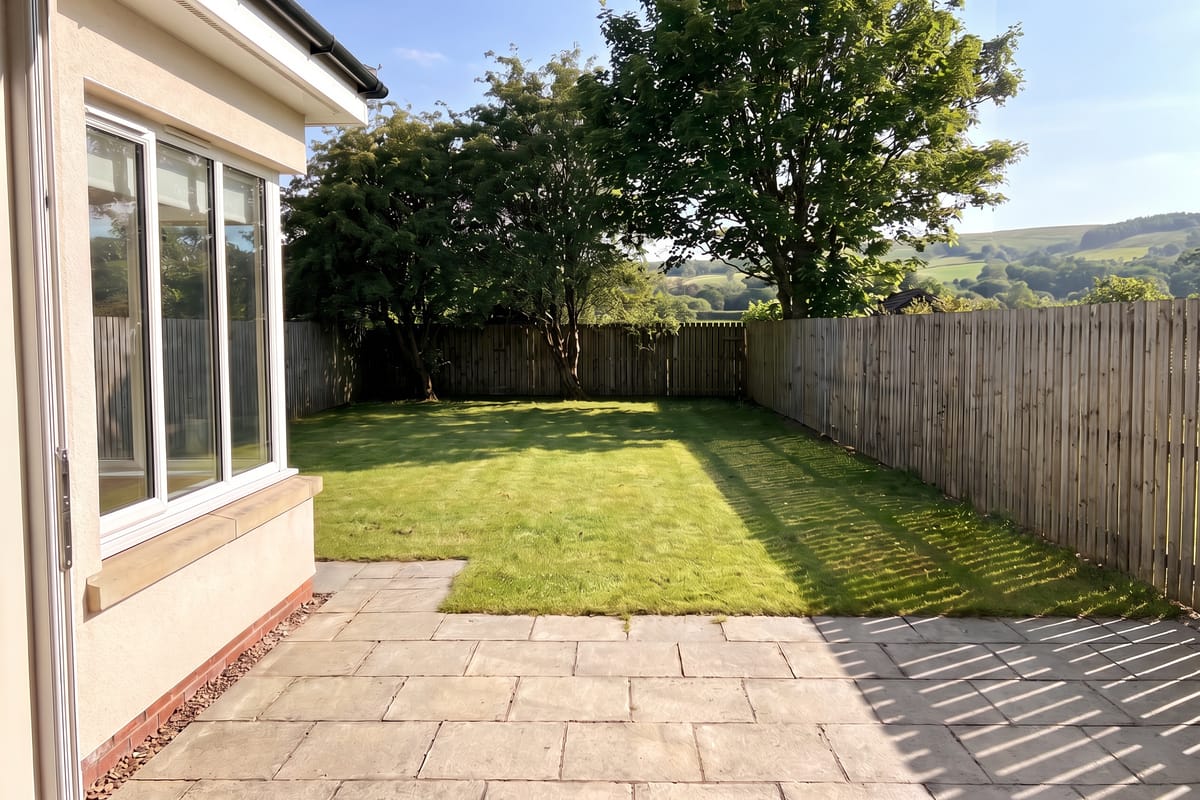
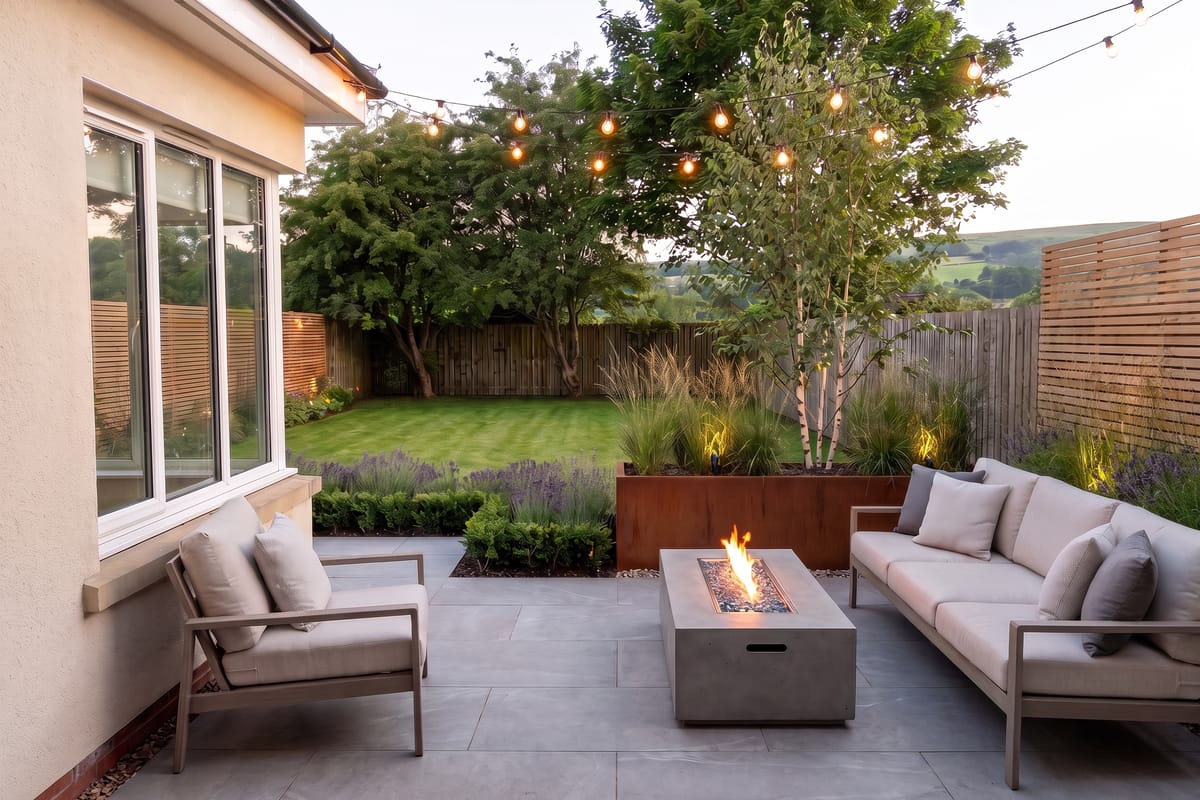
Contemporary · Premium — tap to skip
Real furniture you can buy, from












Real US stores
Every piece links to a real product and its store price.
~30 seconds
Photo in, photorealistic redesign out.
Your exact room
Walls, windows and fitted kitchens stay where they are.
Start now for free
No card required.
How it works
From phone photo to shoppable room in three steps
No floor plans, no measurements. The redesign keeps your walls, windows and built-ins exactly where they are and only adds furniture.
- 1
Upload a photo
Any room, empty or furnished. Phone photos are fine — we keep the camera angle and layout.
- 2
Pick room, style and budget
Scandinavian, Japandi, mid-century, industrial, boho, minimalist, traditional or coastal — at a budget, mid-range or premium price point.
- 3
Shop the look
Tap any piece in the render to see matching products from Ashley, Wayfair, Amazon, Walmart, Costco, Rooms To Go, Pottery Barn, West Elm, IKEA, RH, Bob's Discount Furniture and Target.
Try it yourself
Tap a piece, see where to buy it
A sample redesign with real product matches. Every dot is a product we found at a real US store.
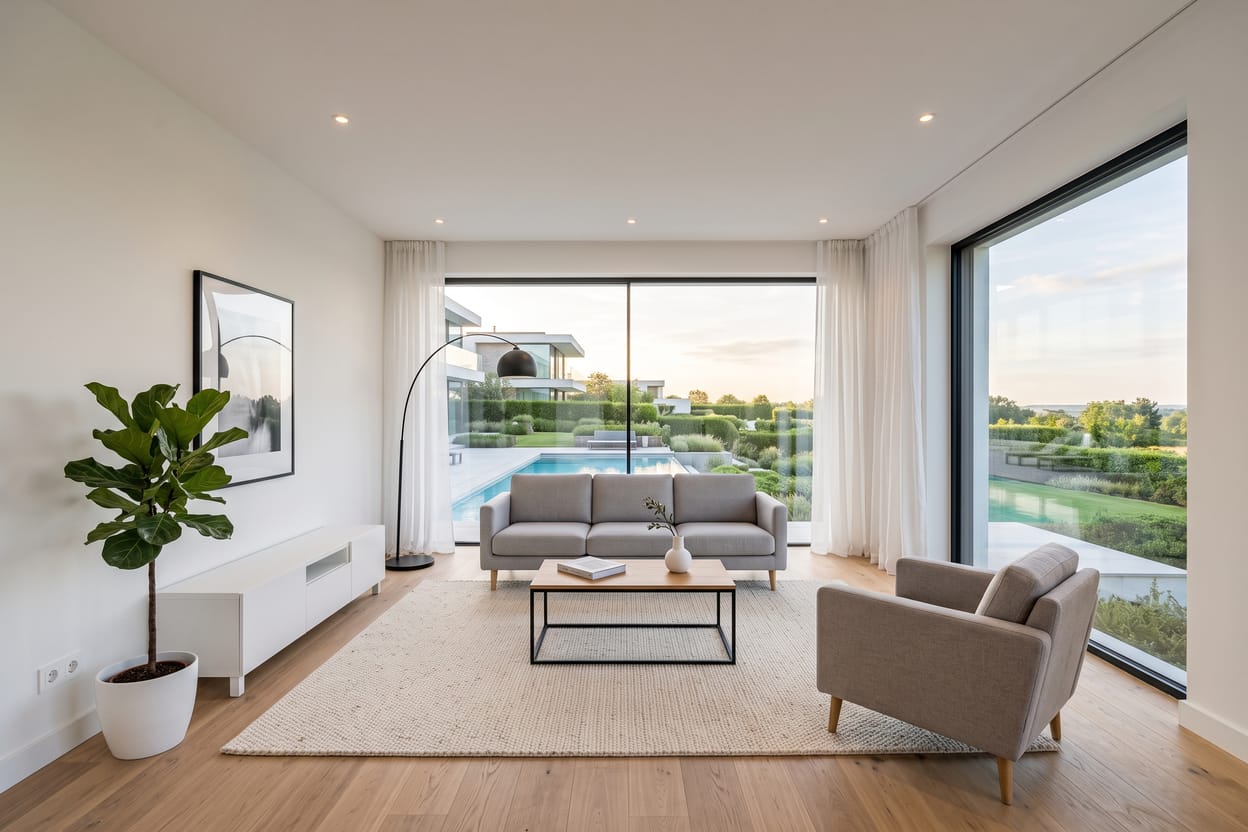

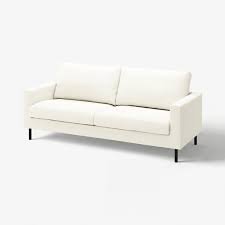
Sample: minimalist living room, mid-range budget. Tap a dot on the image to see the matching product.
Get this look for about $1,367 · 6 items matched
Want this for your room?
Tools
One engine, 31 focused tools
Staging, paint, wallpaper, floors, renovations, gardens, commercial spaces — pick the tool that matches the job. Same photo in, same photorealistic engine, free to try.
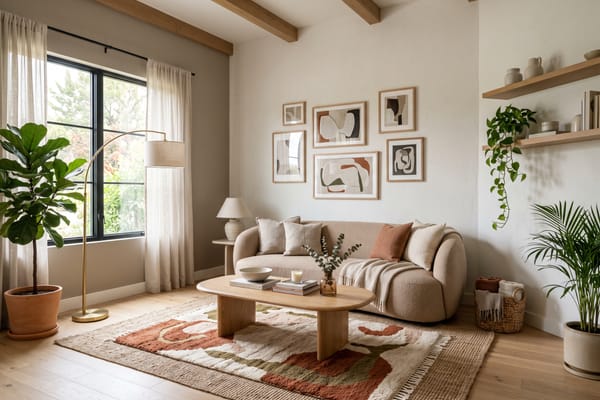
Interior Design
Upload a photo of any room, pick a style, palette and budget, and get a photorealistic redesign in about 30 seconds — with every new piece of furniture matched to real products you can buy.
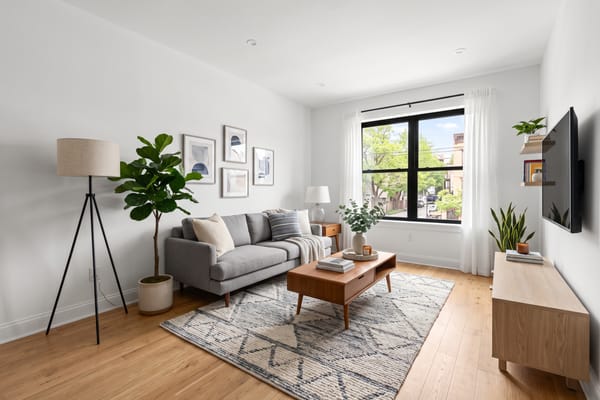
Virtual Staging
Stage an empty or dated listing photo with realistic furniture in seconds — walls, windows and light stay exactly as shot, so it's honest staging, not a render.
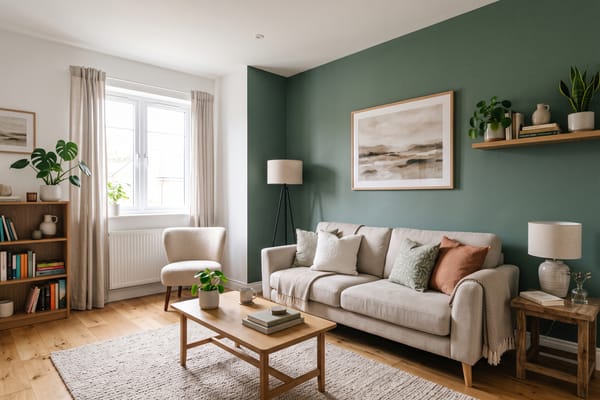
Walls & Paint
Preview a paint colour or wall finish on your own walls — limewash, plaster, brick, wood panelling or an exact hex colour — without touching anything else.
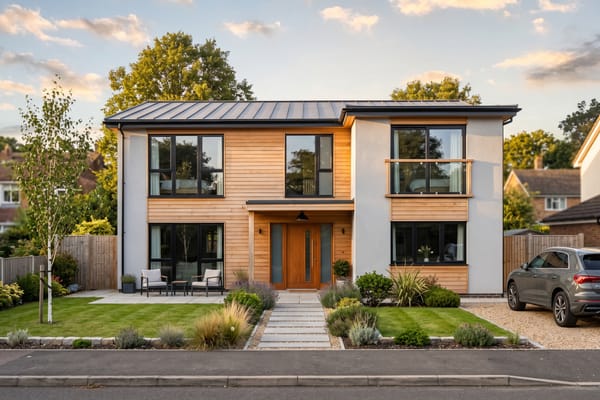
Exterior Design
Restyle a facade — cladding, roof, windows, entrance and landscaping — while the building's shape, proportions and setting stay as photographed.
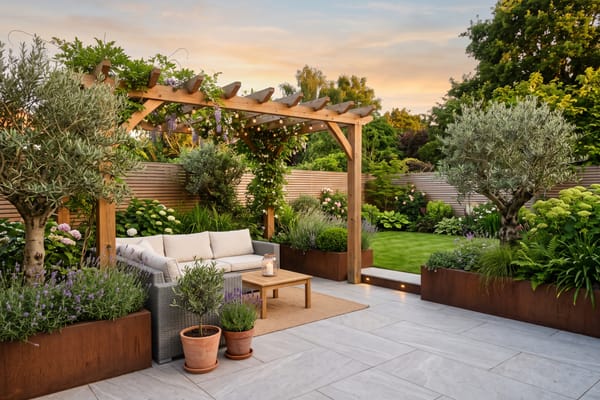
Garden Design
Turn a photo of your garden, patio or balcony into a planted, furnished outdoor space — beds, lawn, paving, seating and lighting in the style you pick.
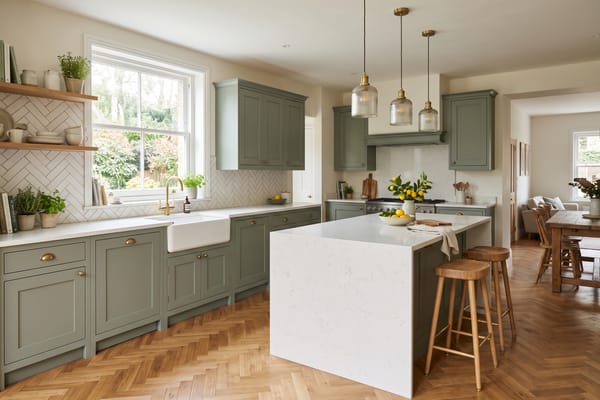
Kitchen Design
Restyle your kitchen — cabinet fronts, worktop, splashback, lighting and seating — on your actual layout, with appliances and plumbing where they are.
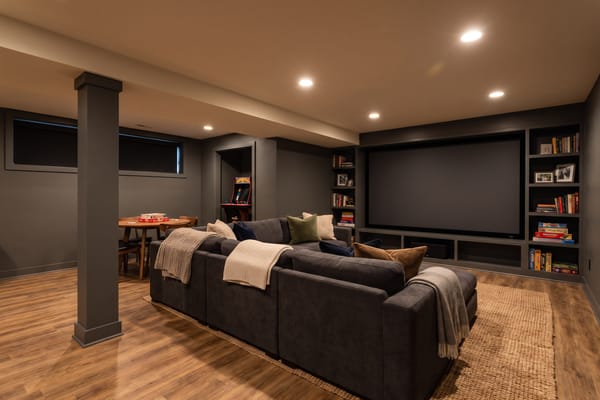
Basement Design
Turn an unfinished or dated basement into a home theater, guest suite, gym, playroom or den. Posts, stairs and utilities stay where they are — and every new piece is a real product you can buy.
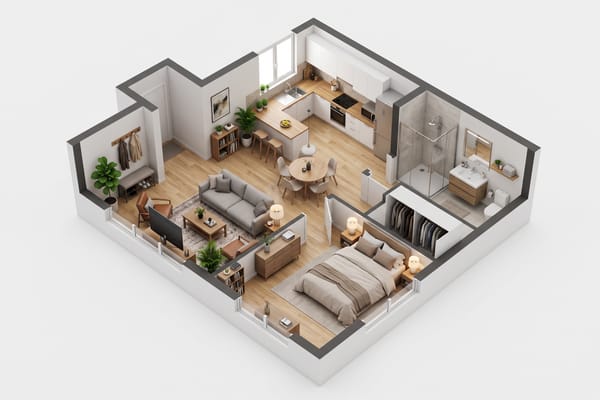
Floor Plan to 3D
Upload a floor plan, blueprint, PDF screenshot or hand sketch and get a photorealistic 3D cutaway or isometric model of the same layout — every wall, door and window where the plan puts them, furnished in the style you pick.
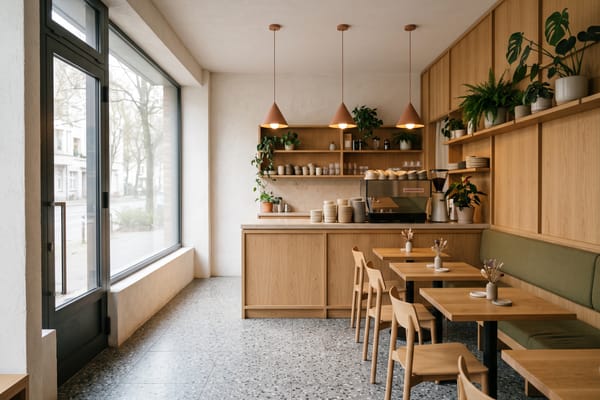
Commercial Space Design
Redesign a café, restaurant, salon, shop, office or studio from a photo — pick the space type, brand character, seating density and lighting mood, and add your exact brand colour as an accent.
Rooms & furniture
- Style Transfer
- Layout Boost
- Indoor Planner
- Renovation Visualizer
- Furniture Changer
- Decor Refresh
- Lighting Designer
- Holiday Decorator
- Bathroom Design
- Office Design
- Closet Design
- Kids' Room Design
Walls & floors
Outside the house
Real estate & rendering
Examples
What it produces
Before-and-after pairs made with NovaVerto AI — the same model the app runs on. Hover a card to see the photo each redesign started from.
Your room here
Upload a photo and get your own in about 30 seconds.
Browse the community gallery — real rooms published by NovaVerto users, sorted by room and style.
What it changes
Small wins, one room at a time
The moments NovaVerto is built for: a decision settled, a doubt cleared, a weekend saved.
- Renting
I sent my landlord the render instead of a paragraph. Same room, same window, new furniture — he said yes to the paint the same day.
- Couple decision
We'd argued about the sofa for a month. Three versions of the same corner, one evening, done — and each one linked to a store page with the price.
- Selling a home
Empty listing, one photo, three staged styles in a few minutes. The unstaged photo stayed in the listing and buyers still stopped scrolling.
- Budget doubt
I assumed the furniture would be fantasy. Every piece in the render linked to a real product at a store I already shop at, with the price shown.
- Layout worry
My fear was it would move my windows or invent a bigger room. It kept the room exactly as photographed and changed only what could actually change.
- Weekend saved
Thirty seconds beat the weekend I'd have spent on Pinterest. I tested four wall colours on my own wall before buying a single tin.
- First apartment
A mattress, a window and no idea where to start. Three styles at the budget level later, I knew what to buy first — and which store had it.
- One piece only
I only wanted to know if a green velvet sofa would work with the rug. It swapped just the sofa and left the rest of the room alone.
- Kitchen quote
The cabinets and the sink stayed where they are; the fronts, worktop and lighting changed. That render is what I took to the fitter for a price.
- Sketch to render
My builder had questions about a pencil sketch of the extension. A photorealistic version of it answered them better than I could.
- Bare terrace
The terrace was a concrete slab for two summers. One photo with the garden furniture in place, and we finally stopped putting it off.
- Floor choice
Herringbone oak or wide planks, on my actual hallway with my actual light, before ordering a single box.
These notes are illustrative: they describe the situations NovaVerto is built for, not quotes from named customers. Real stories will replace them as they come in — have one? Tell us yours.
Frequently asked questions
AI room design with real, shoppable furniture
NovaVerto AI turns a single photo of your room into a finished, photorealistic interior — and then tells you where to buy every piece in it. Upload the photo, choose a style like Scandinavian, Japandi, mid-century modern or minimalist, set a budget, and get a redesign of your actual room in about 30 seconds. Unlike mood boards or generic AI renders, each item is matched to a real product listing with the price shown, and the twelve biggest US furniture stores — Ashley, Wayfair, Amazon, Walmart, Costco, Rooms To Go, Pottery Barn, West Elm, IKEA, RH, Bob's Discount Furniture and Target — come first.
The redesign respects the room you photographed. Walls, windows, doors, flooring, ceiling lights and any fitted kitchen or built-in storage stay exactly where they are, at the same camera angle. What changes is the furniture and decor placed in the space — so the result is a plan you can act on, not just a pretty picture.
One photo, many tools
The same engine powers a whole family of focused tools: virtual staging for empty listings, style transfer from a photo you love, wall paint, wallpaper and floor visualizers, a furniture changer that swaps a single piece, kitchen, bathroom, office, closet and basement designers, renovation and lighting previews, exterior, garden and commercial-space design, and photo-to-render for drafts and sketches. Each one is free to try from the AI tools page.
Ready to see your room redesigned?
Start now for free — real furniture with live US prices, and your layout untouched.