
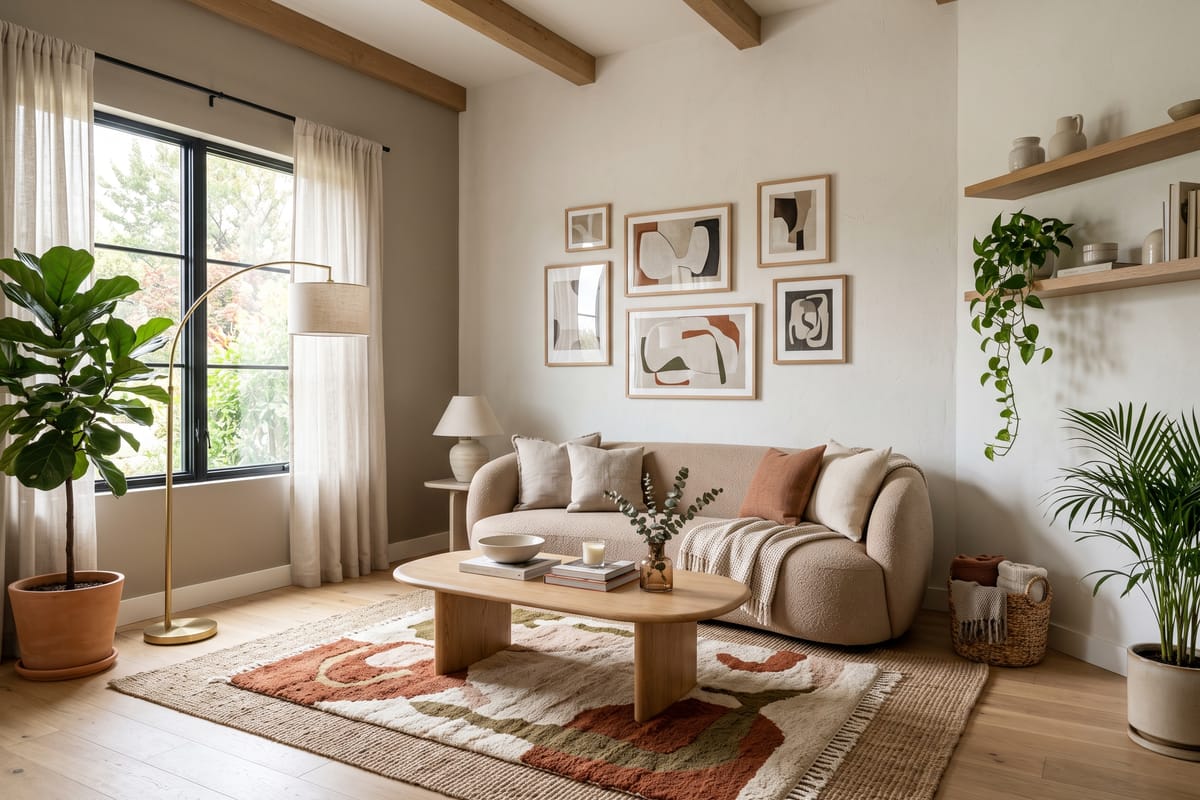
Every render NovaVerto produces is an edit of your photo, not a new picture. The model keeps the geometry it can see — walls, windows, doors, the fitted kitchen — and replaces what is free-standing. So the photo decides the ceiling of the result before any style is picked.
Stand in a corner or a doorway
The best frame shows two walls and the floor plane, taken from chest height. It gives the model the room's depth and lets it place a sofa, a rug and a table in believable perspective. A photo straight at one wall flattens the room and the furniture ends up looking pasted on.
Daylight, no flash, no people
Open the curtains and turn the lights off; even, soft daylight is what the model reproduces best. Flash creates hard shadows the redesign has to fight. Photos with people are rejected before generation — the pre-check protects them and you.
Empty helps, but 'lived in' is fine
An empty or lightly furnished room gives the cleanest result. If the room is furnished, that is fine too: the change filter tells apart what was already there from what the AI added, so the shopping list only contains new pieces. Just clear the floor of clutter — boxes and cables get interpreted as furniture.
- JPEG, PNG or WebP, up to 10 MB; the app resizes to 2048 px.
- Landscape orientation fits the workspace best; portrait works for narrow rooms.
- One room per photo. A doorway into a second room confuses the layout.
Then iterate, don't re-shoot
Once the first render is right, the prompt bar is faster than a new photo: 'add a floor lamp', 'make the sofa green velvet', or paint a mask over the rug and describe what should be there instead. Each iteration starts from the previous render, so the geometry never drifts.