
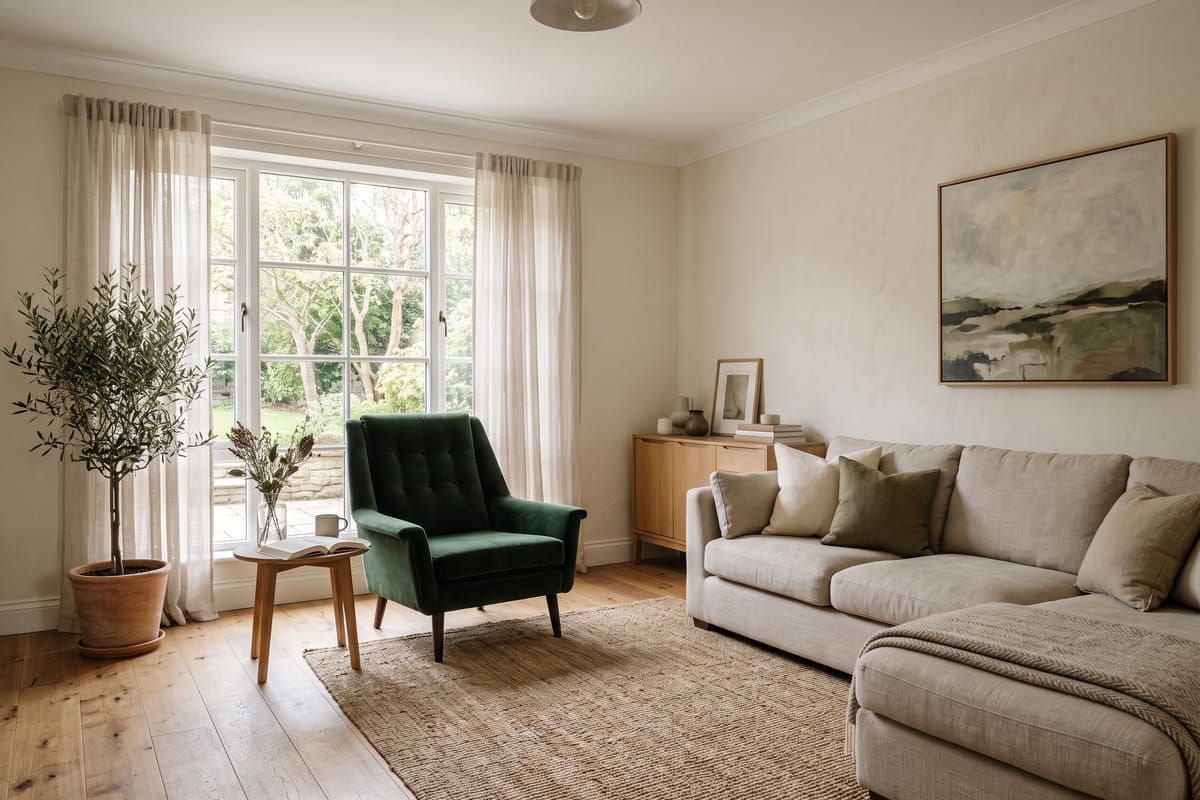
Every design run asks for a budget level, and it is the setting people read wrong most often. It doesn't change the quality of the render — every tier produces the same photorealistic image. It changes what furniture goes into the room, and what the matched products under it cost.
What moves between tiers
Materials, mostly. Budget leans on engineered wood, polyester weaves and simpler silhouettes; premium reads as solid wood, wool, linen, marble and metal. Piece selection shifts with it — a budget room gets a capable sofa, a premium room gets a statement one — and the product matching follows into the stores that actually stock each band, from Walmart and IKEA territory up through West Elm and Pottery Barn toward RH.
The total under the render is a real number
Because every added piece is matched to a live product listing, the 'get this look' total is an actual sum of actual prices — which makes tiers comparable in a way mood boards never are. Render the same living room at budget and at premium and the gap is not a vibe, it is a number, often a multiple. Sometimes the number says the mid-range room is 90% of the premium one; that is worth knowing before anyone falls in love.
Mix tiers piece by piece
The old designer rule — spend where your body spends time — survives AI intact: the sofa and the mattress earn the premium tier, the side tables and decor don't. The furniture changer makes the mix mechanical: brush over any single piece in the render and ask for 'the same chair, cheaper' or 'a nicer version of this sofa', and only that piece changes, along with its match.
Render all three, it costs a minute
Three tiers of the same room is three renders — about a minute, and the first one is free on a new account. Almost nobody guesses their own tier right from the name; the pictures settle it.